Stream Manager: The All‑in‑One Desktop App for Streamers
your streams.
Free and open source
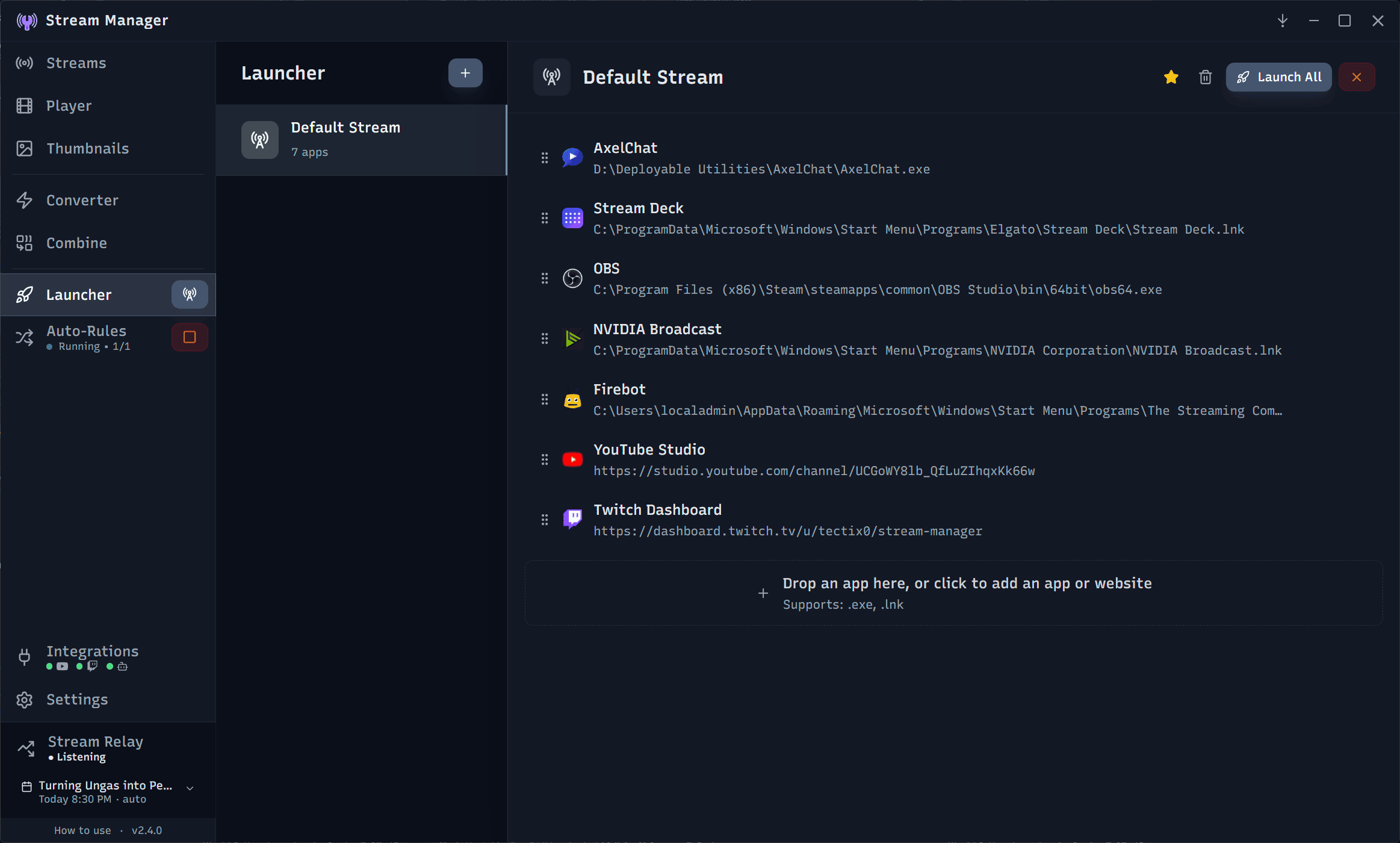
All-in-One Stream Management
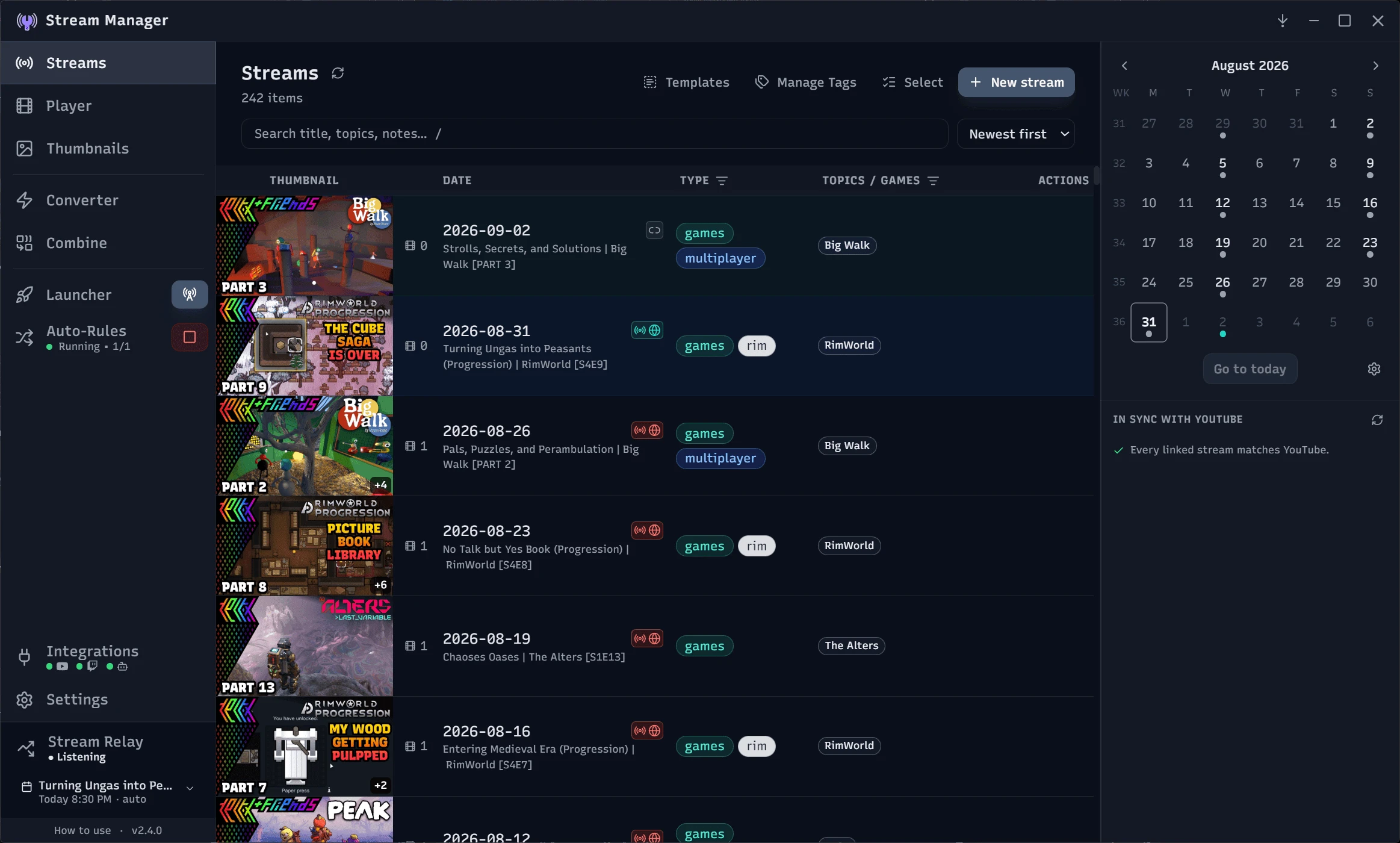
Stream Manager is a free, open source app for streamers, built around your local stream library. It started as a way to organize raw recordings and grew into the foundation for an entire streaming workflow.
Built for Streamer Workflows
Glanceable Information
Designed to show the right info at the right time. See important details at a glance, and dive deeper when you need to. Organize on your terms with your language.
One-Click Access
Every feature is a click or two away. No more digging through settings, folders, or multiple menus to get things done. Focus on your content, not learning the tools.
Built-In Creation Tools
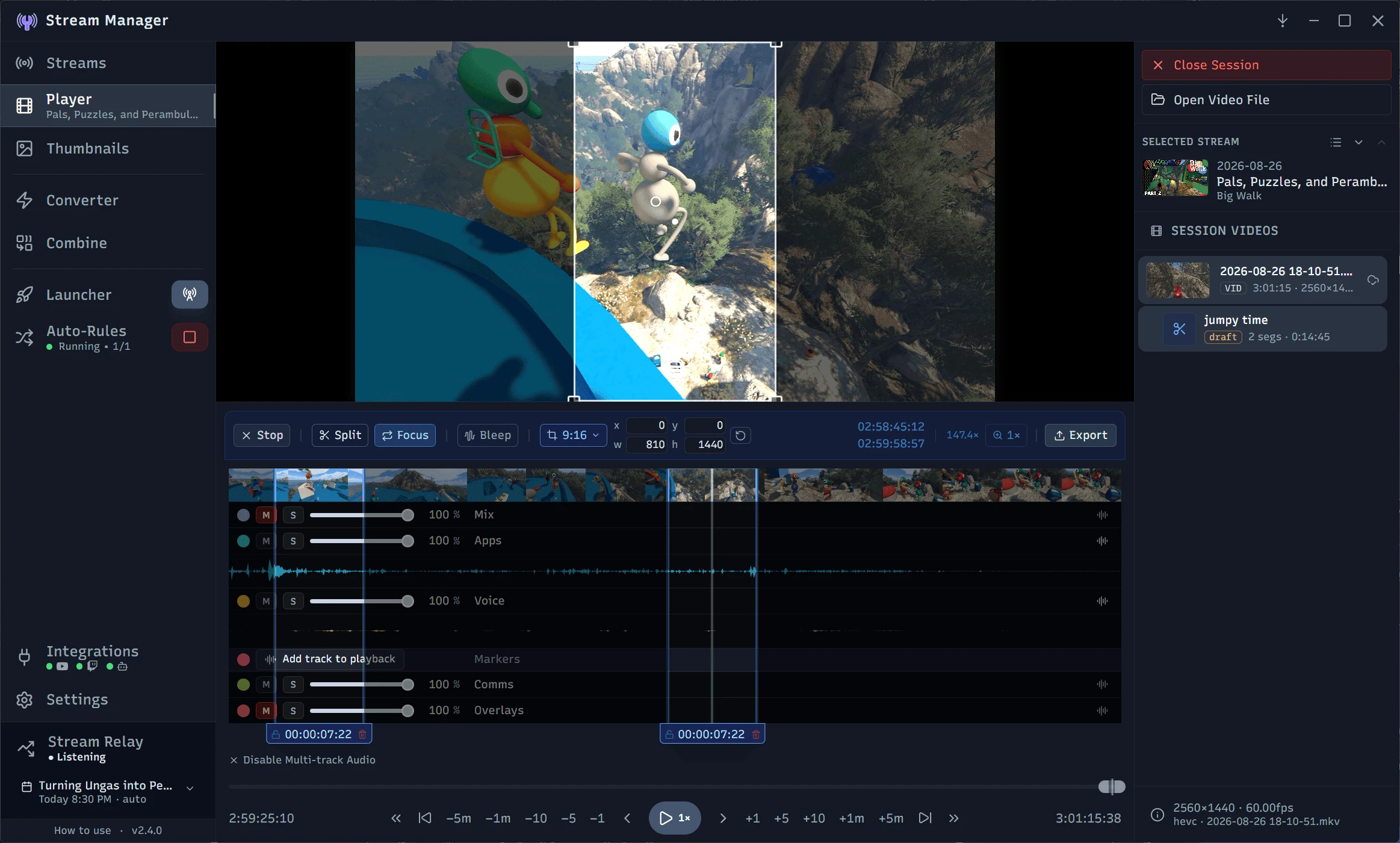
Clip the Best Moments
Trim highlights straight from the built-in player and export polished clips for social media, all without opening a separate editor. Clips stay linked to their source, so the original is never touched. Markers your streaming or editing software left in the file show up on the timeline to help you find key moments, and you can drop your own as you watch.
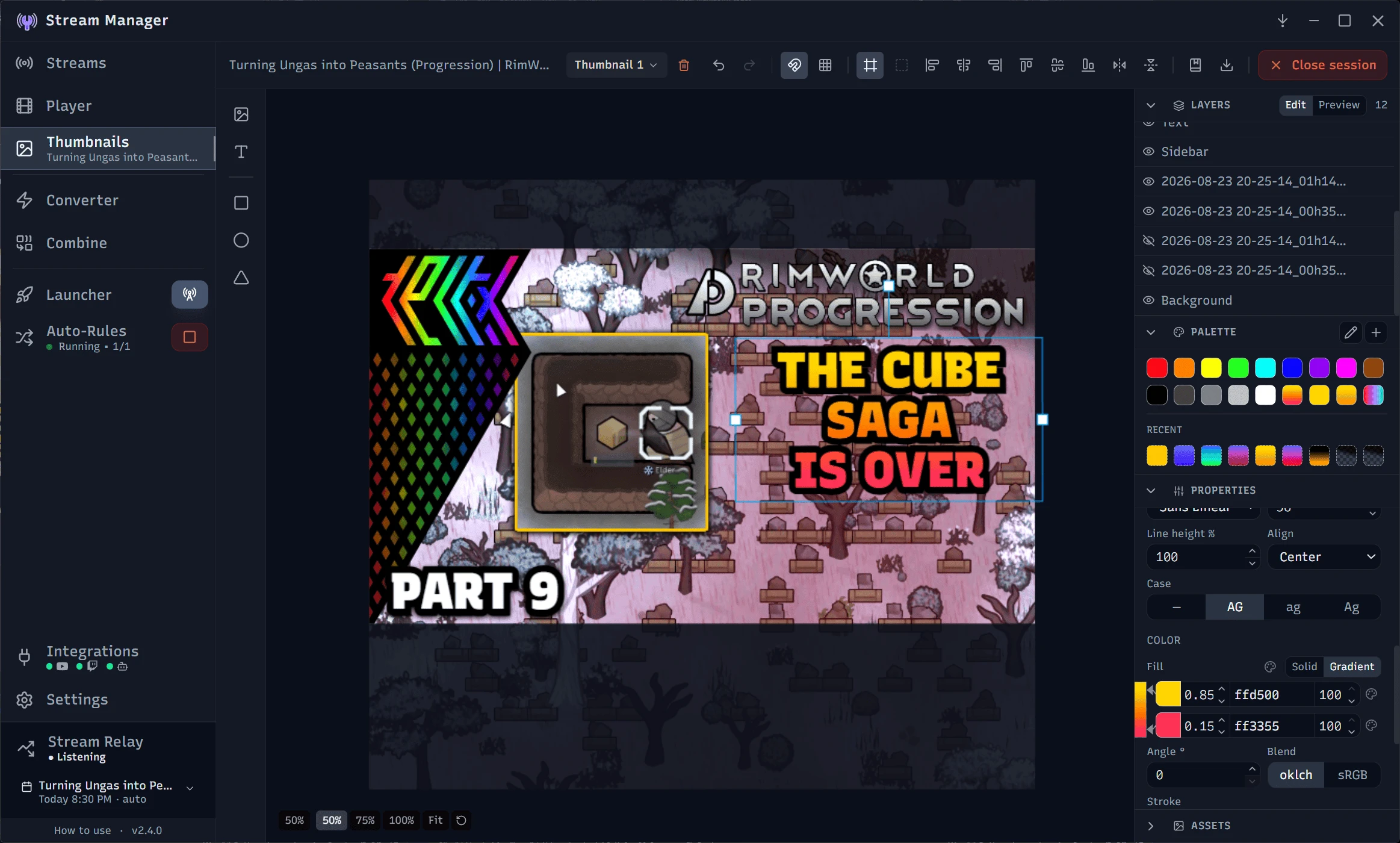
Design Thumbnails
A built-in canvas editor for video and stream thumbnails, with reusable templates and merge fields so a single layout stays updated and on-brand across a whole series. Preview them on real YouTube layouts before you publish. No Photoshop required.
Connect Directly to YouTube and Twitch
Direct Platform Integration
Connect your Twitch and YouTube accounts and keep your stream and video details in sync. Push titles, descriptions, tags, and thumbnails to the platform. For YouTube, this sync works both ways, so you can edit in YouTube Studio and pull the changes back into Stream Manager.
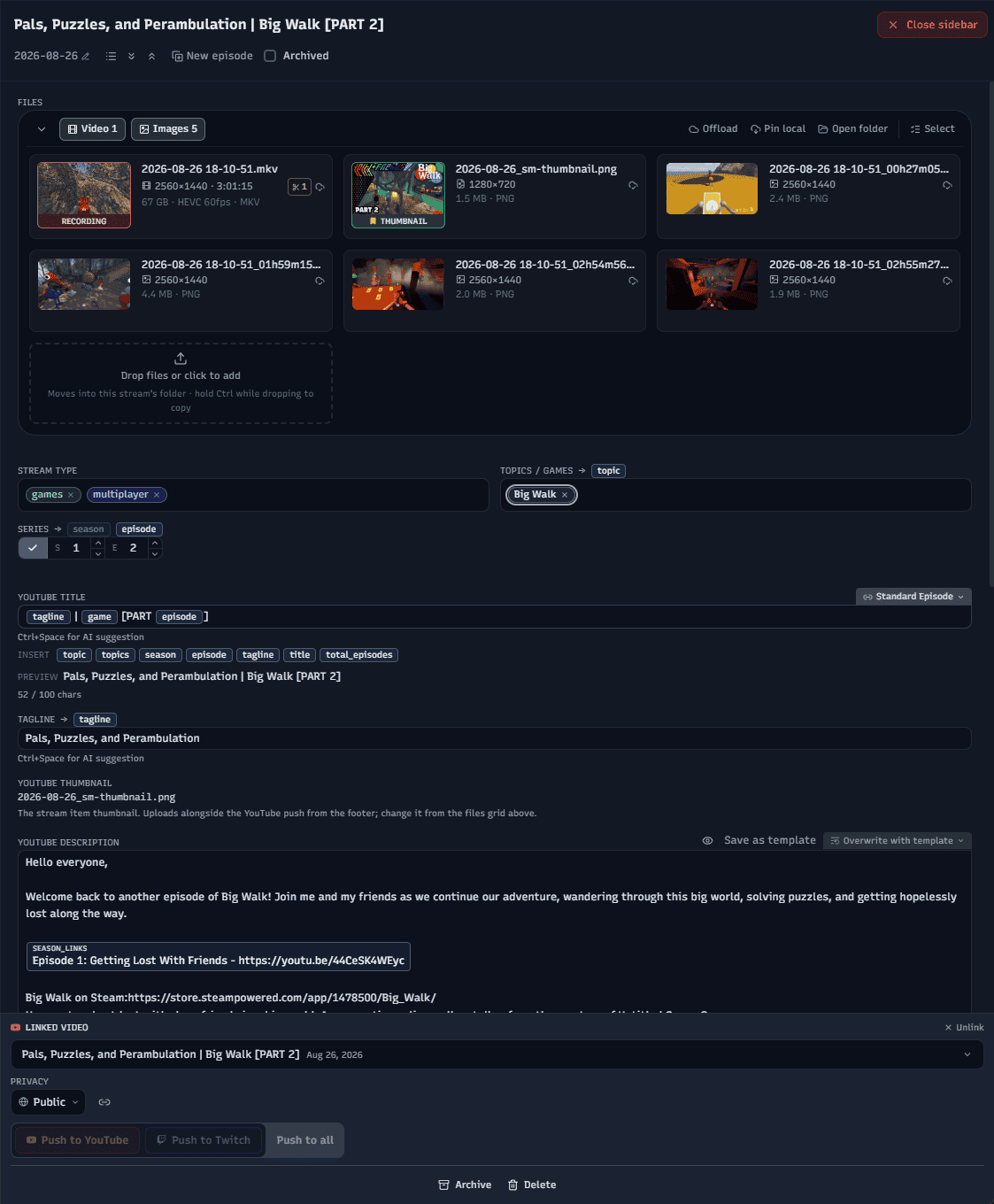
Smart Templates
Use the powerful templating tools for titles, descriptions, tags, and more. Add dynamic variables (merge fields) to automate text patterns and repetitive tasks. Focus on creating great content, not writing copy.
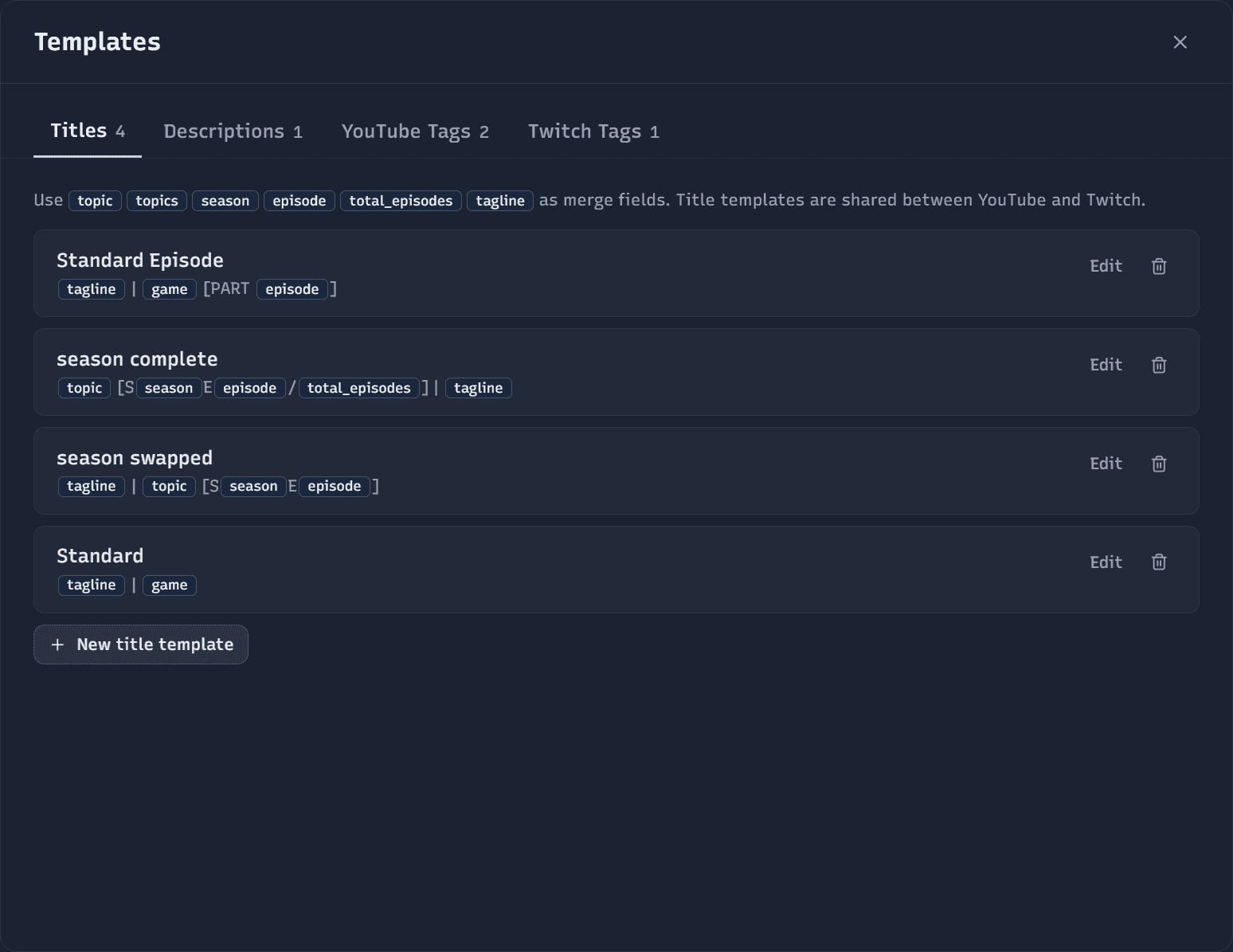
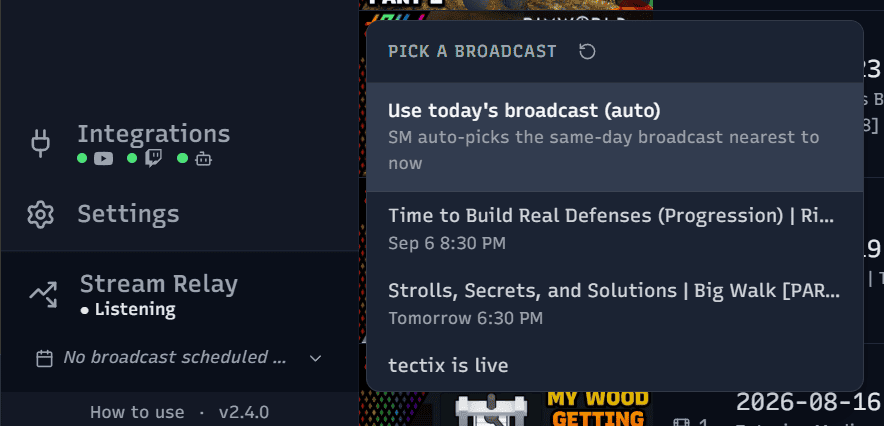
Go Live Automatically with Stream Relay
Let Stream Manager sit between OBS and YouTube as a local relay. Point your encoder at the app and it binds your scheduled broadcast, takes it live the moment you start, and ends it when you stop. No more clicking around YouTube Studio mid-stream, and it forwards your already-encoded video with negligible overhead.
Automate File Management and Backups
Automated File Organization
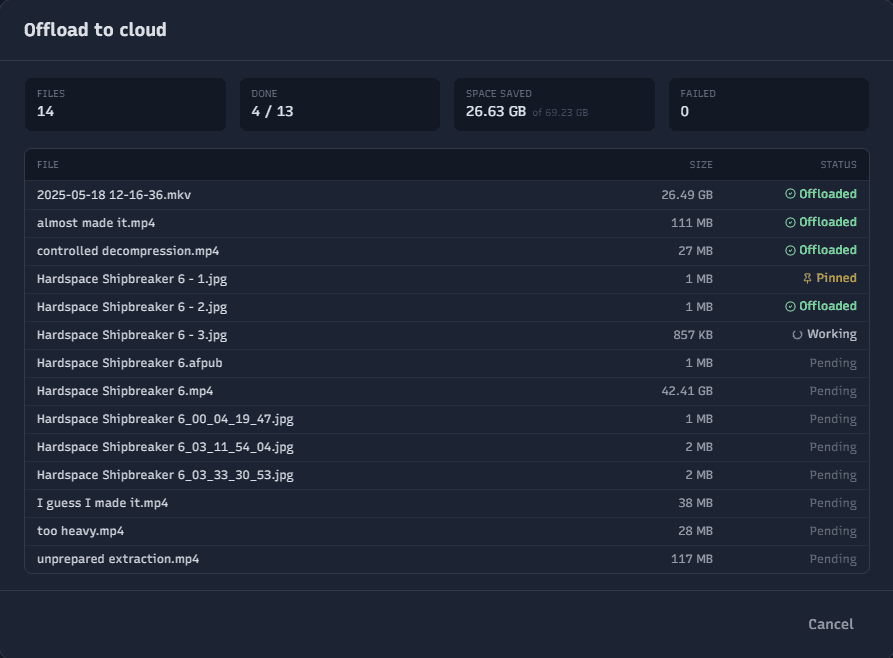
Automatically move, encode, and organize your stream files with Stream Manager's powerful folder and file management tools. Set up rules to sort your backlog, and let Stream Manager handle the rest. Never open your file explorer again.
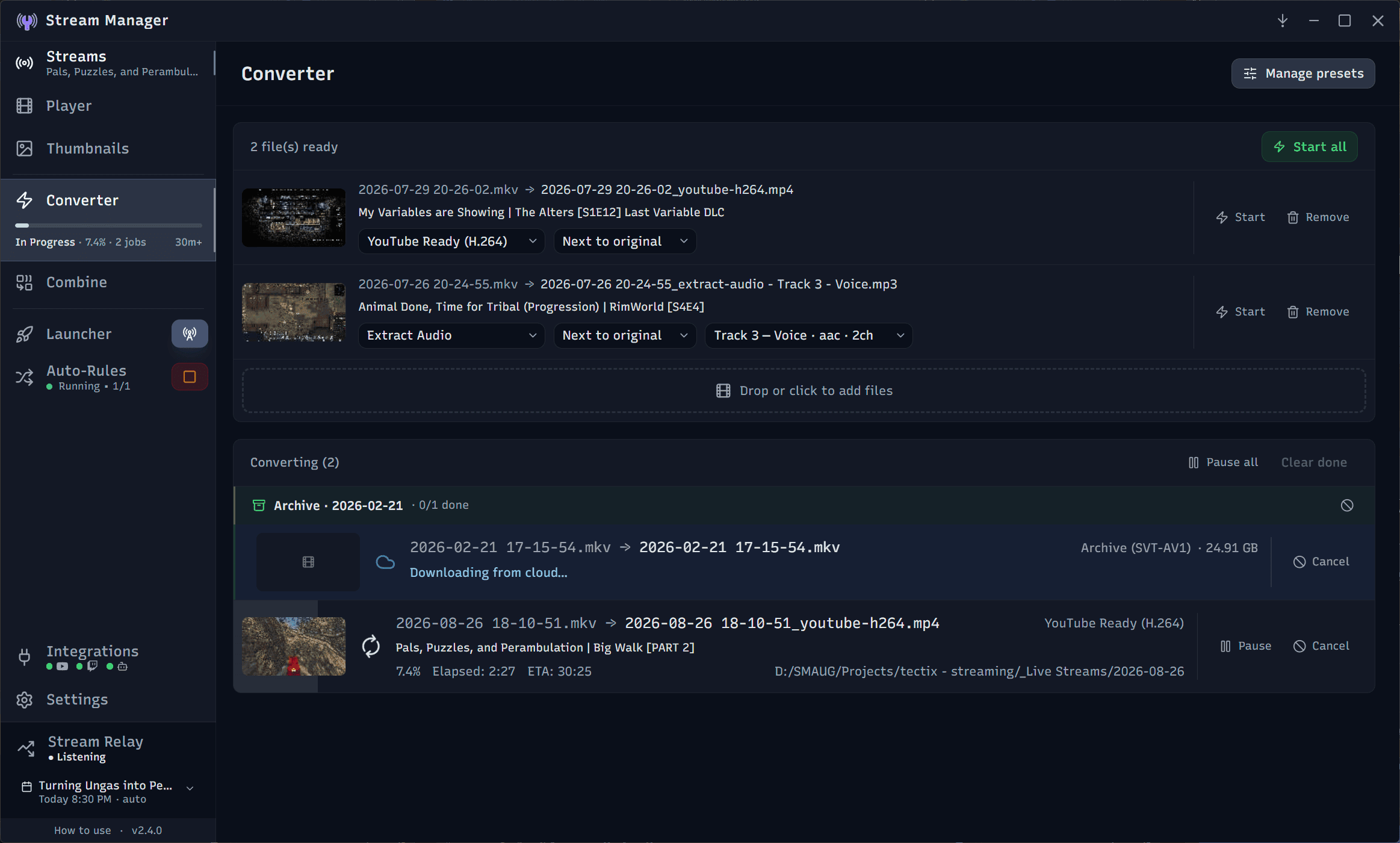
Cloud and NAS Storage Integration
If you use a NAS or other cloud storage solutions, Stream Manager will detect and adapt to work with your setup. Manage and organize your files without worrying about where they're stored.
Free and open source, with no account required to get started. Your files and settings stay on your machine, and anything sent to YouTube, Twitch, or Claude goes only when you ask for it, and only the data you choose to share.